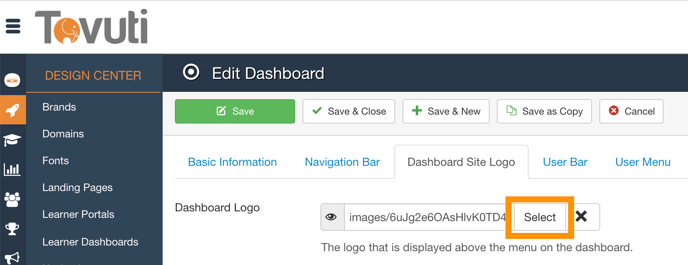
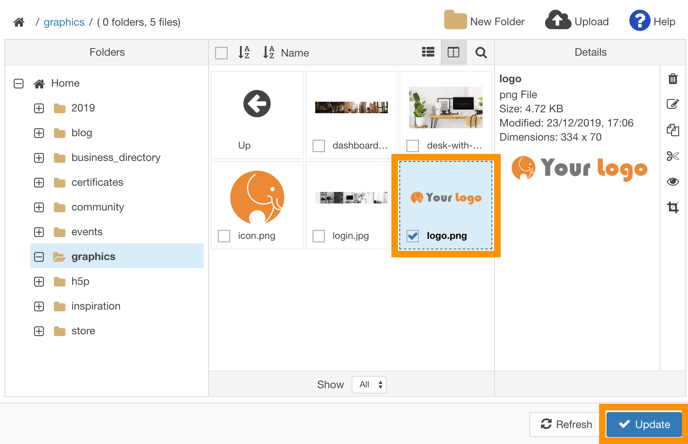
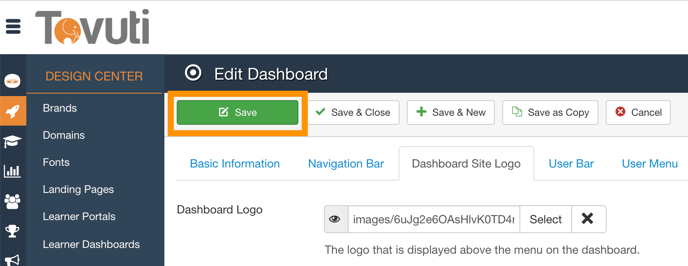
Set a Logo on the Learner Portal Go to the Design Center > click Learner Portals > click the specific Dashboard or click New Click the Dashboard Site Logo tab > click Select Select the Logo > Click Update Click Save

![5df14acf1ff5b2cf424b8fee_tovuti-original.svg]](https://tovuti-4789974.hs-sites.com/hubfs/5df14acf1ff5b2cf424b8fee_tovuti-original.svg)