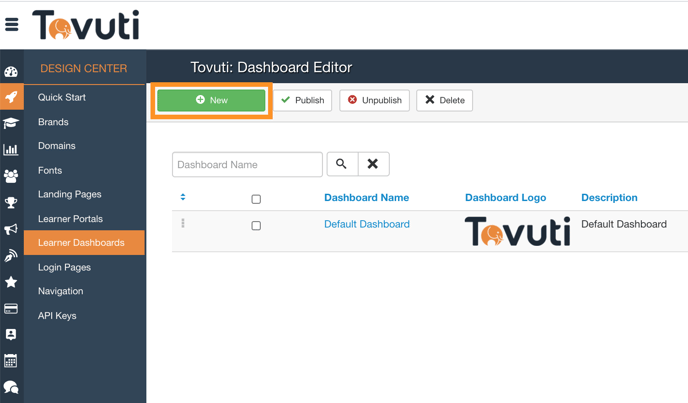
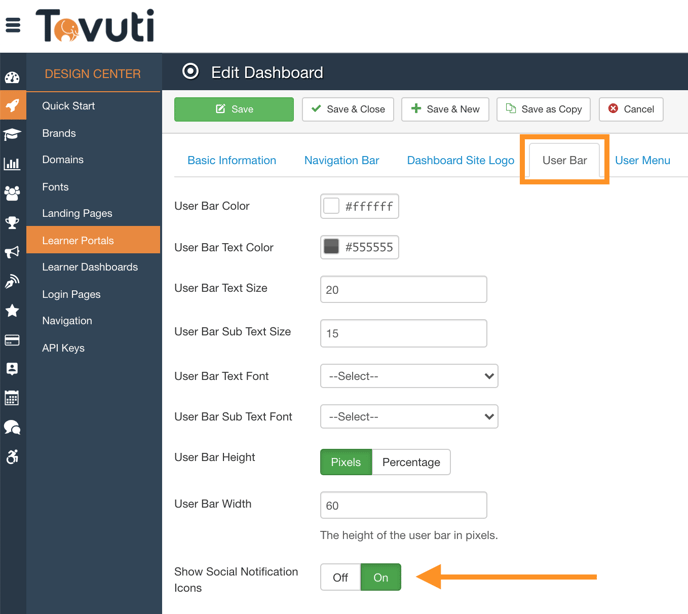
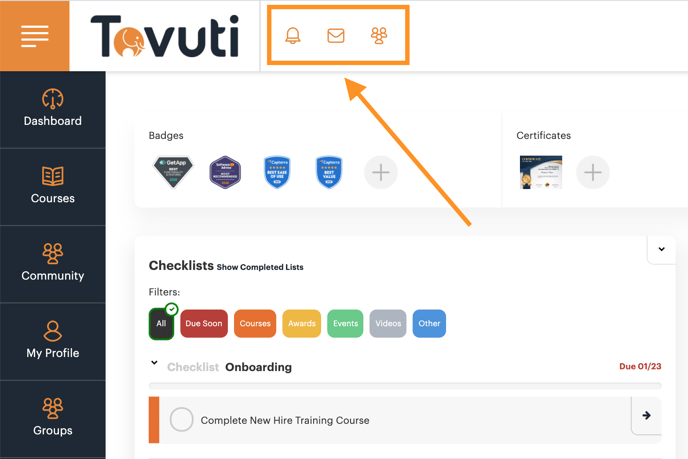
Hide Notification Icons Go to Design Center > click Learner Portals > click User Bar Configure Show Notifications Icon to be off Click Save Confirm the 3 Icons at the top of the Learner Portal are shown/hidden as desired
![5df14acf1ff5b2cf424b8fee_tovuti-original.svg]](https://tovuti-4789974.hs-sites.com/hubfs/5df14acf1ff5b2cf424b8fee_tovuti-original.svg)