
- Help Center
- Users and User Groups
- Managing Users
Add a User
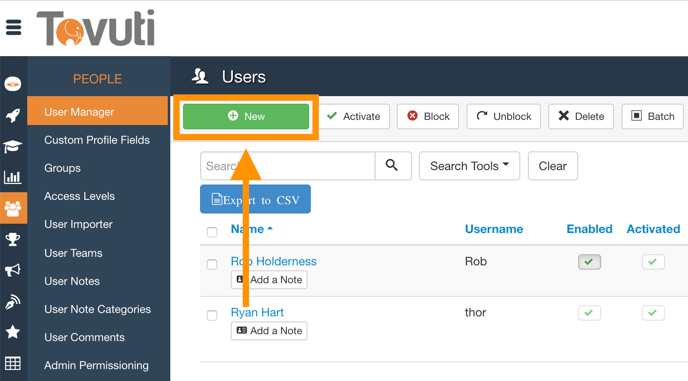
- Go to People > click User Manager > click New
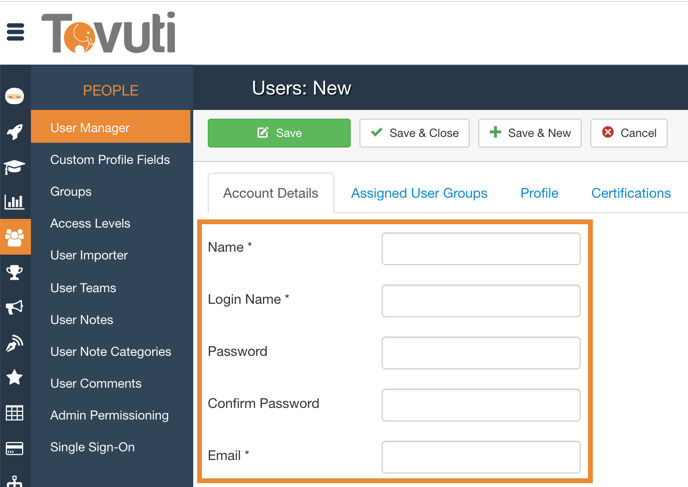
- Assign the new User a Login and Password
- Enter the Users Name and Email
- Assign the User to a User Group (make sure Registered is checked)
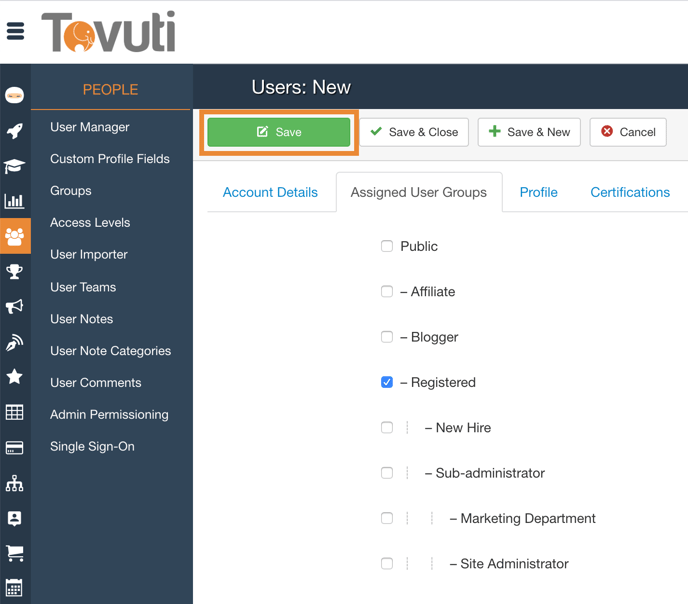
- Click Save and Close (an email will be sent to the user with the login URL and user/password)